- From the Templates page, click on the template theme you’d like to use
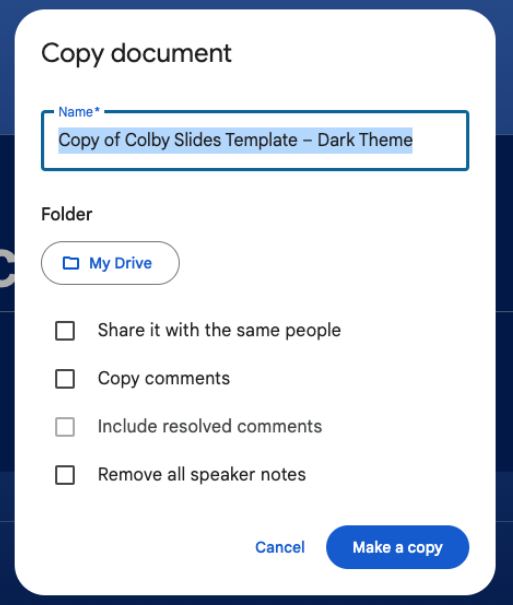
- Navigate to File > Make a copy > Entire presentation
- Rename your file and select the Google Drive folder you’d like it to live in
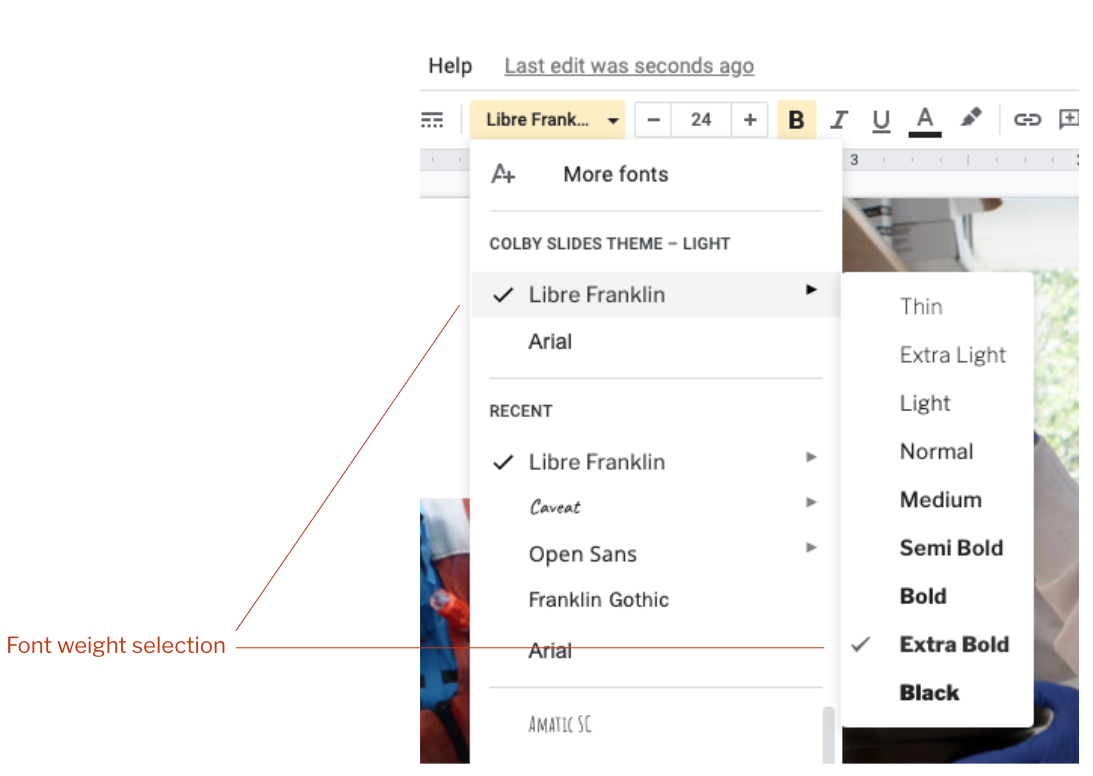
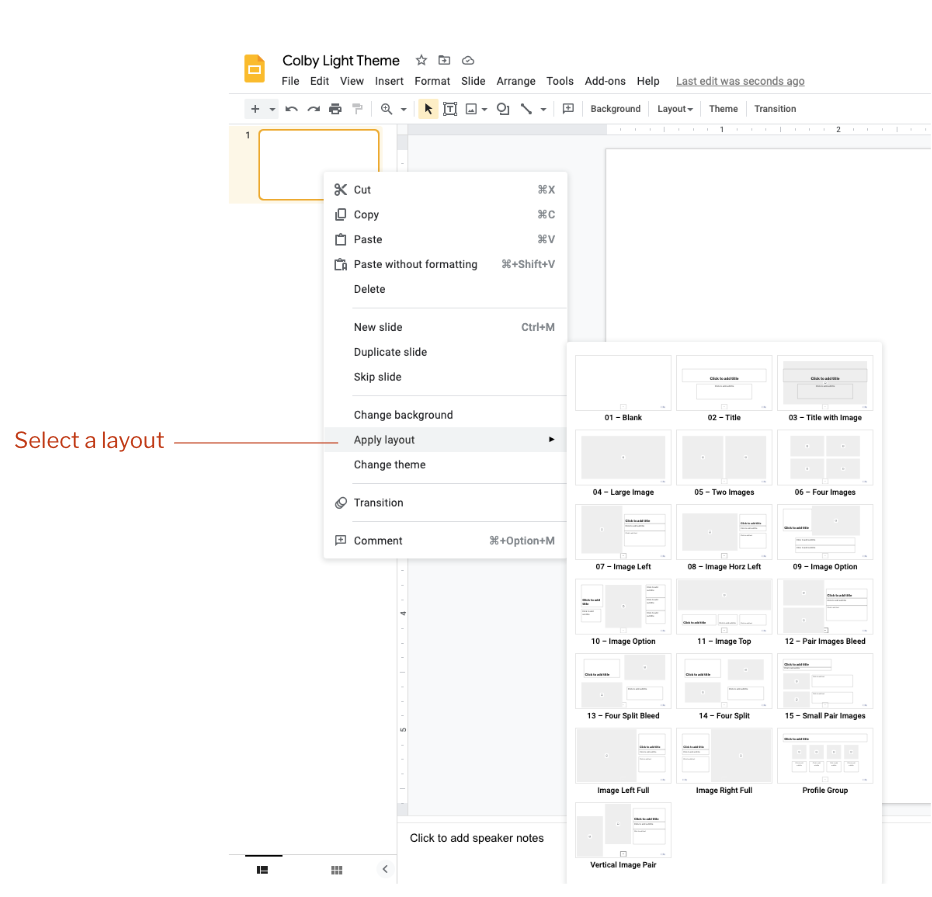
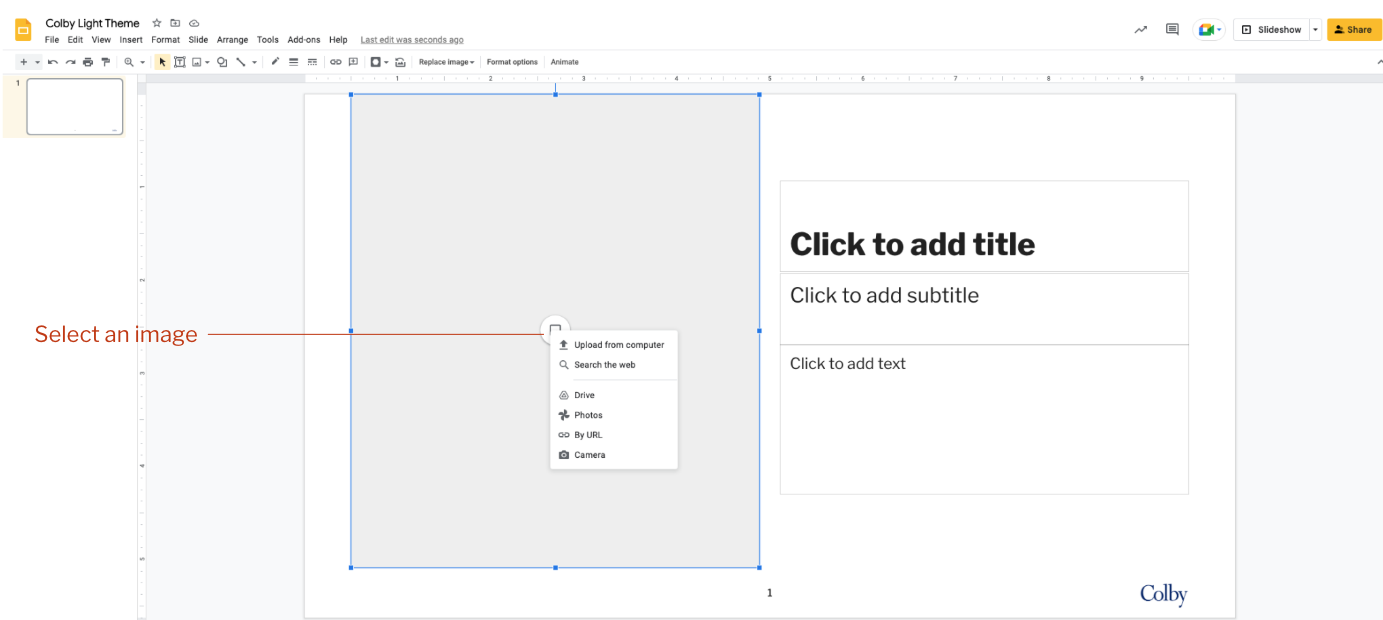
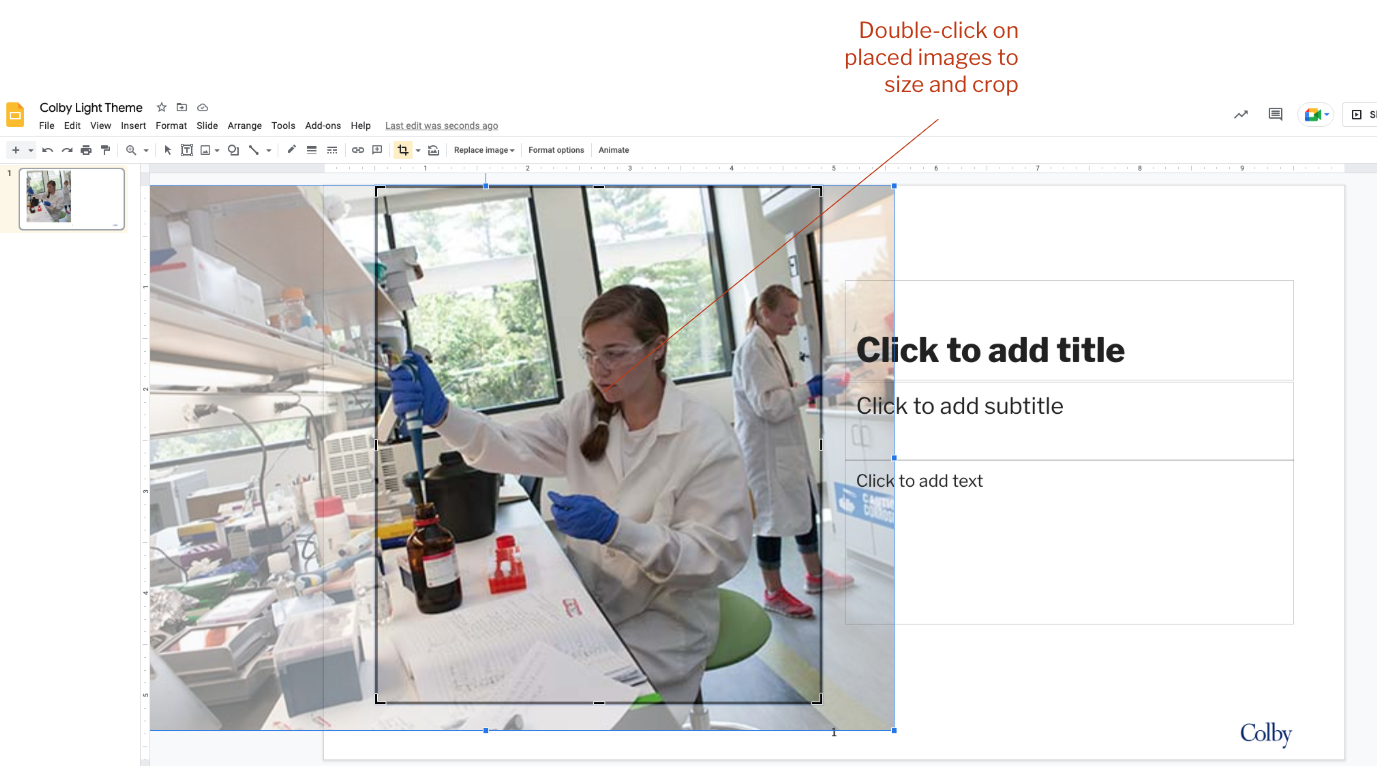
Google Slides uses a system of templates called Theme Builder (Similar to templates in Powerpoint). Light and dark themes are provided. The Colby themes provide a number of slide layout templates which can be used to quickly build a slide presentation or digital display